 ViralSlop
New here? Start here
How to start with ViralSlop
From zero to your first AI video, step by step. About 20 minutes the first time, most of it the one-time $PHLECE buy. You can send this page to anyone.
What you need
Create your account
- Go to viralslop.xyz and tap Create account.
- Enter your email and a password (8 characters or more). That's it: you're in, and the app opens on Settings.
Hold $40 of $PHLECE and connect your wallet
ViralSlop is the utility app of $PHLECE, a coin on the Arc network. Access is for holders: hold $40 of $PHLECE (one $40 buy is enough). Never sell and you keep access, even if the price drops.
A · You already hold $PHLECE
- Log in, then tap Connect wallet on the access screen.
- Sign the message. It's free: nothing is sent, nothing is spent, no gas.
- ViralSlop checks your $PHLECE and unlocks everything. Holdings are re-checked every hour.
B · New to crypto: buy $PHLECE first
- Get a wallet: install MetaMask from the App Store or Google Play. Write your 12 secret words on paper.
- Add the Arc network: in MetaMask's browser, open phlece.fun, tap Connect Wallet and approve the switch to Arc.
- Get USDC on Arc: open phlece.fun/bridge: buy USDC by bank transfer, card or Apple Pay, or bring USDC from another network.
- Buy $PHLECE: this button opens the official page with $40 filled in. Check the contract matches, tap Buy and confirm.
Buy $40 of $PHLECE ▶ Every step on video
The official $PHLECE contract (Arc): 0xC05c5F8f3d00A447bdCEc95364EE80481d2140a7
Then do route A: log in on viralslop.xyz inside MetaMask's browser and tap Connect wallet.
C · You launched a coin on phlece.fun
Your coin's creator wallet gets 24 hours of free ViralSlop to turn its logo into an AI influencer. Connect that wallet. To keep going after that, hold $40 of $PHLECE.
Connect the video engine (kie.ai)
ViralSlop makes videos with Seedance and other engines through kie.ai. You use your own key, so you pay kie.ai's price with no markup.
- Sign up at kie.ai. New accounts get free test credits (about 2 eight-second test videos).
- Copy your key from kie.ai/api-key.
- In ViralSlop, open Settings → ① Video engine, paste the key and tap Add & test.
- When you're ready, top up at kie.ai from $5 (about 20 ten-second videos).
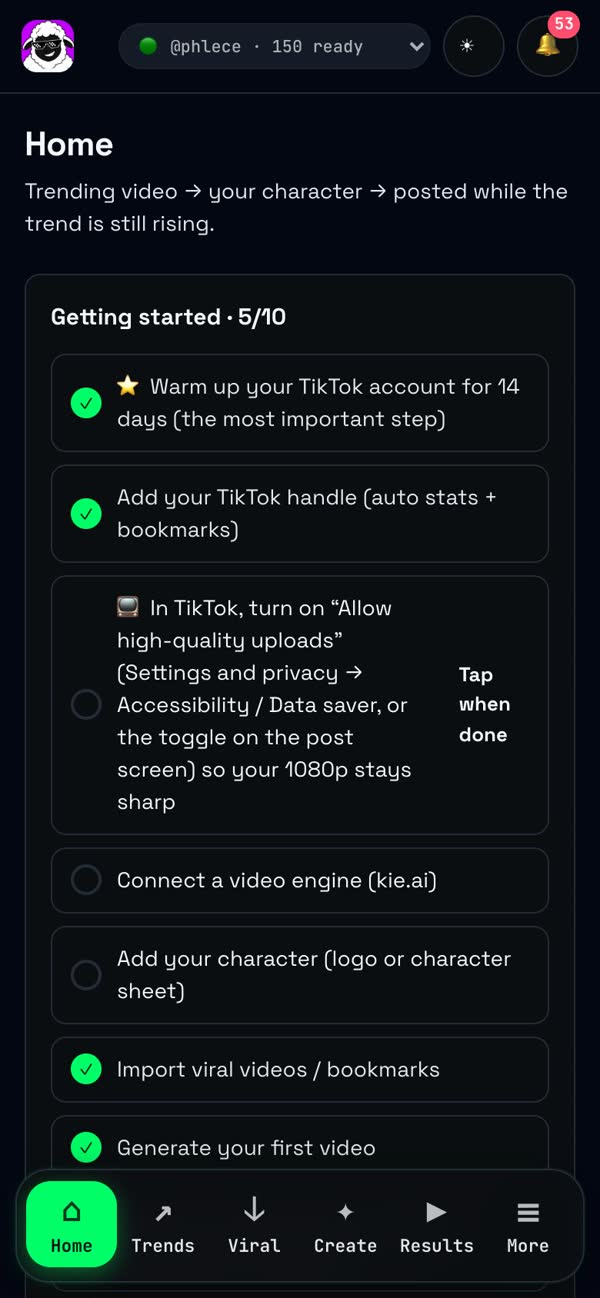
Build your character
- Open Characters & prompts → Create a character.
- Start from your logo, a mascot, your selfies, or describe one in a line. Pick a look: Average, Bold or Extreme.
- ViralSlop draws a character sheet (face close-up and full body) for about $0.02. A clean sheet gives the most consistent swaps.
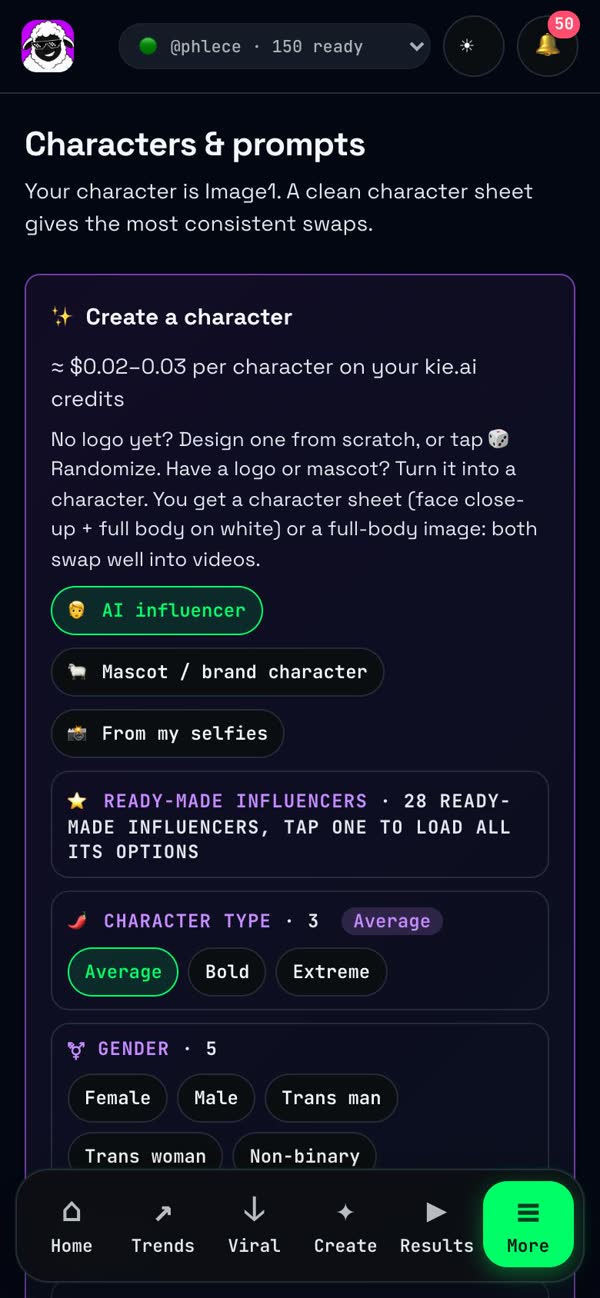
Catch a trend
- Open Trends. Ready to swap shows viral clips your character can star in today, matched to formulas that already worked.
- Tap 🎬 Make on a clip: Create opens with the clip, character and recipe ready. Nothing is spent yet.
- Or import your own: paste a TikTok link, or sync your TikTok bookmarks.
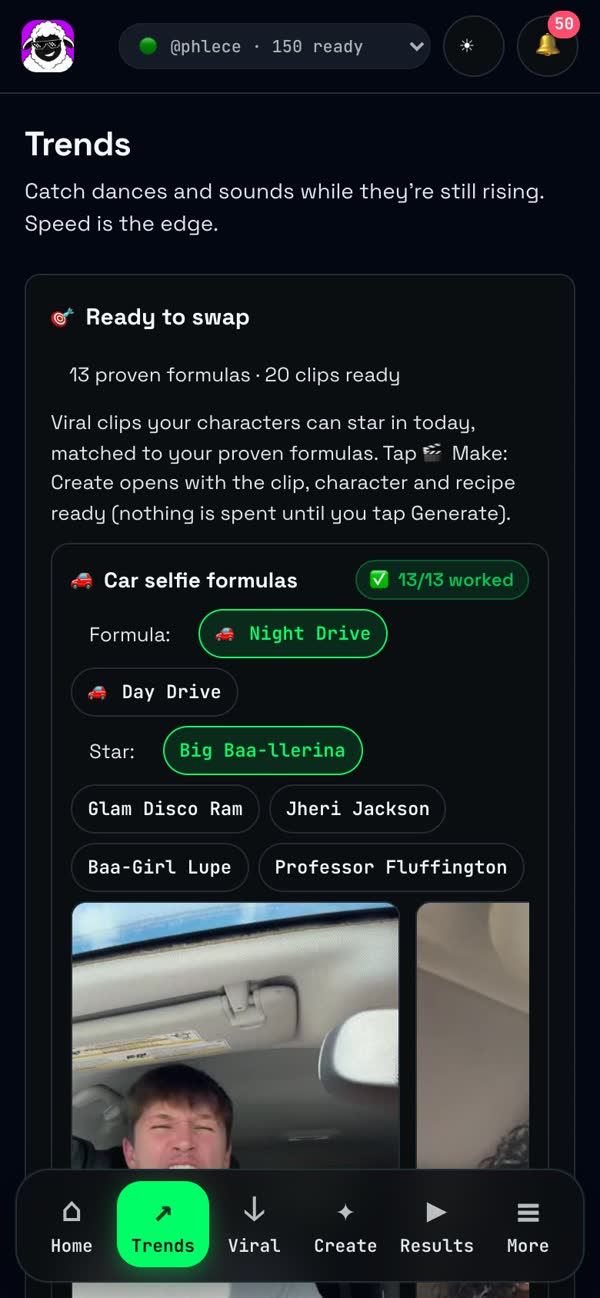
Make the video
- In Create, check the clip and the character. Leave the prompt on ✨ Auto: it reads the clip and writes the instructions.
- The cost shows before you start (about $0.24 for 10 seconds). Tap Generate.
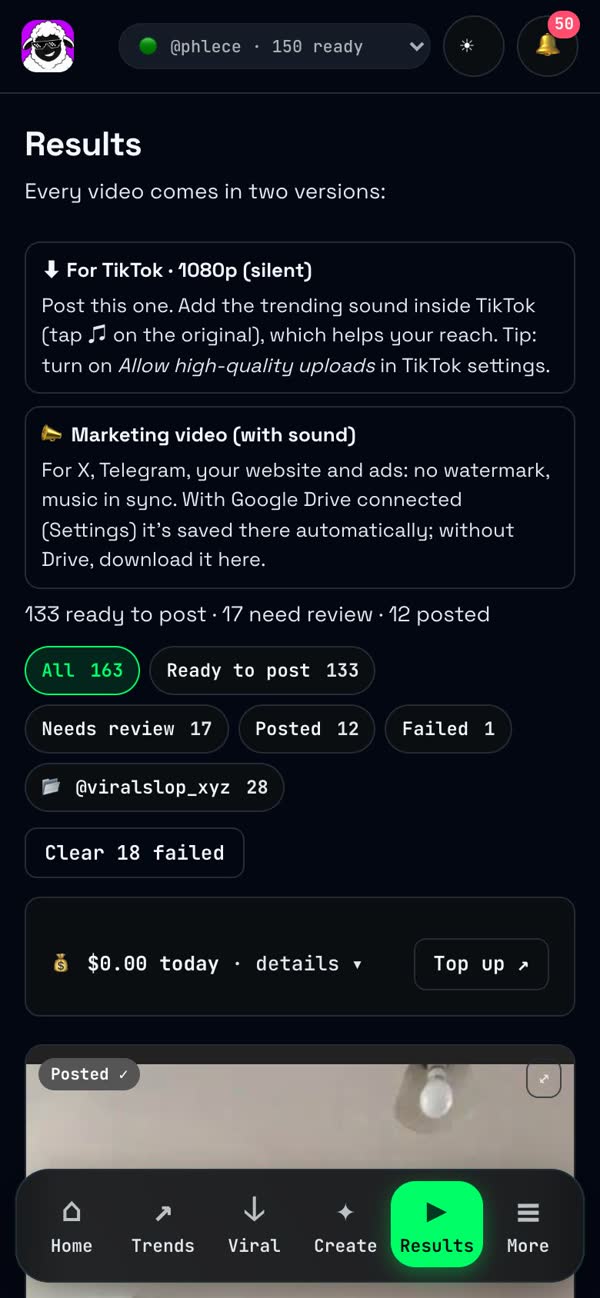
- A few minutes later it's in Results. Step progress and time left show while it works.
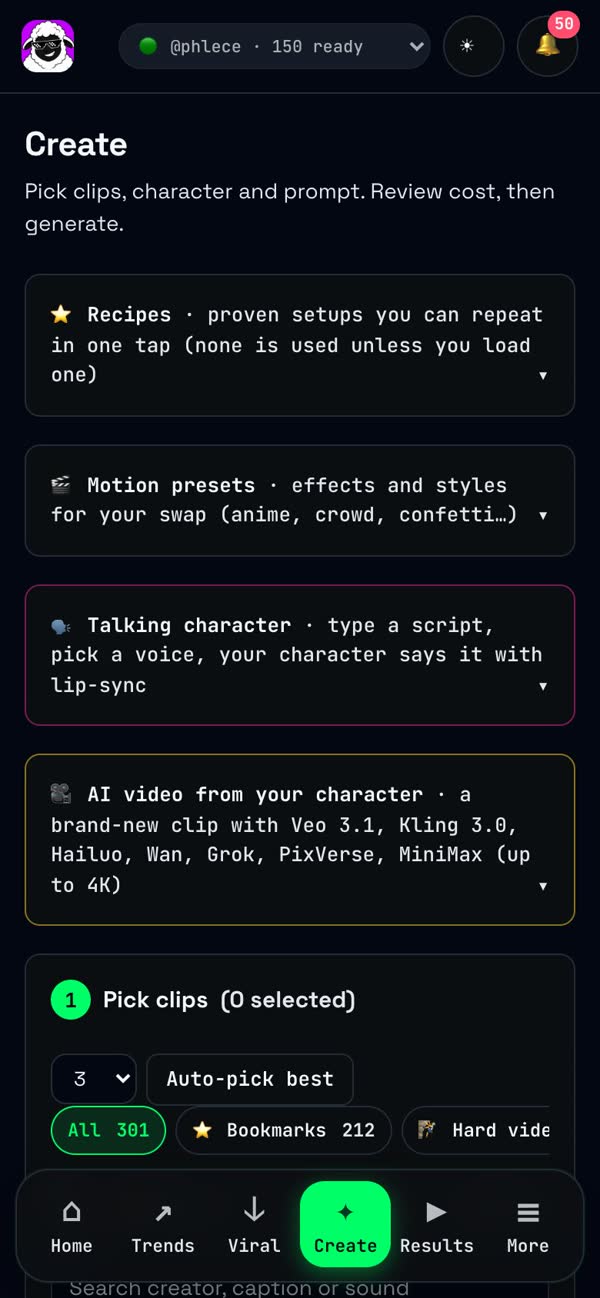
Post it and track it
- Every video comes in two cuts: 1080p silent for TikTok (add the trending sound inside TikTok, which helps reach) and a marketing cut with sound for X, Reels and Shorts.
- Tap Post kit for hooks, a caption, the best cover frame and the best time to post.
- Turn on TikTok's AI-generated label when you post. Posting & stats tracks views, likes and shares on every video.
Quick answers
Do I really need $PHLECE?
Yes: access is for $PHLECE holders. Hold $40 of it (one buy), and it stays yours. Apex Alpha X Pro members get in with Sign in with Apex, and coin launchers on phlece.fun get 24 hours free.
What does a video cost?
About $0.24 for a typical 10-second video on Seedance 2.0 Mini (480p), paid to kie.ai with your own key. Sharper engines cost more; the app shows the price before you generate. No subscription.
Is signing the wallet message safe?
Yes. A login signature sends nothing and costs nothing. Never approve anything that asks for your 12 secret words.
"Connect wallet" says to open the page in a wallet app
Your phone's normal browser has no wallet inside. Open MetaMask, tap Browser, and go to viralslop.xyz there.
Some clips come back unchanged
The video engine refuses to swap some clips no matter the prompt (for example, people who look young). ViralSlop flags clips like that as "won't swap" so you can skip them, and Ready to swap only suggests clips that fit.
Can I use it for my brand, coin or client?
Yes. Make as many characters as you like and save separate kie.ai keys per brand or client in Settings.
Where do I get help?
Email [email protected] or message @viralslop_xyz on TikTok.